
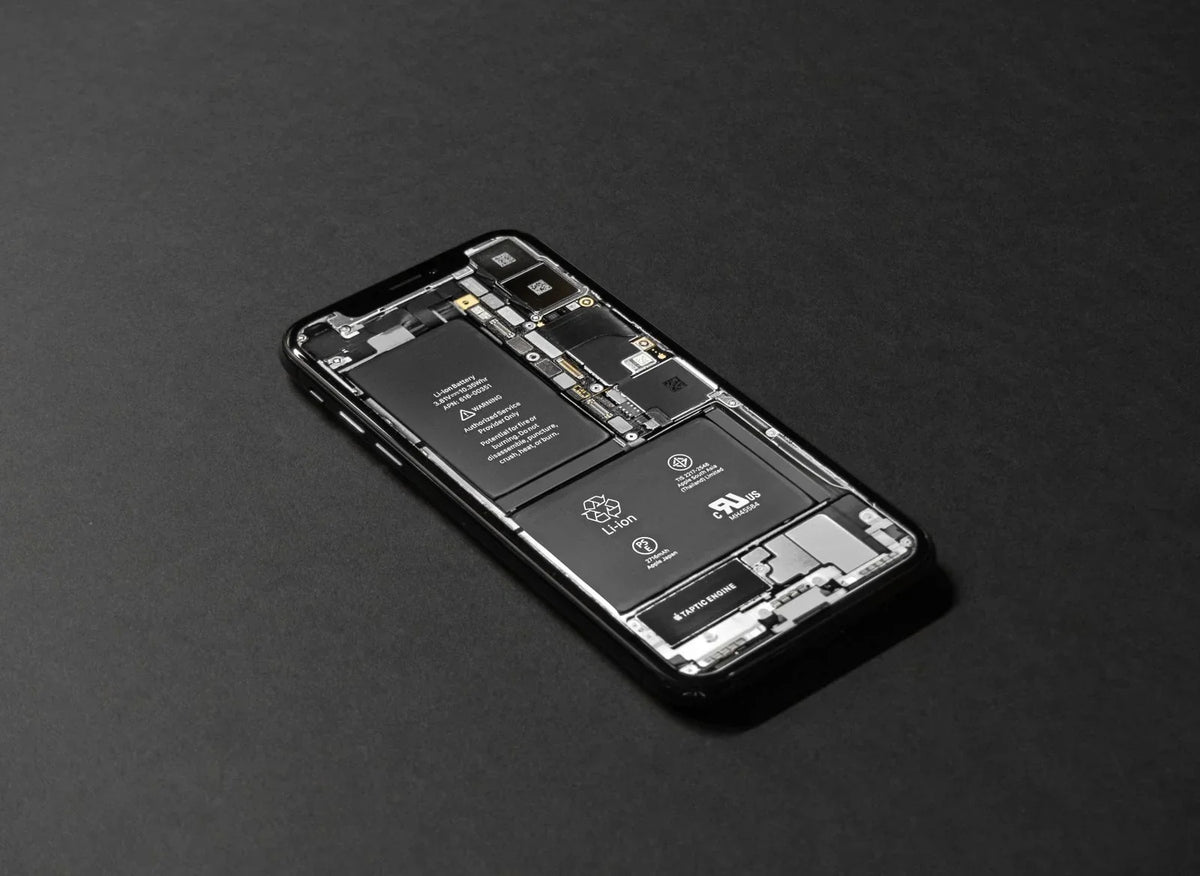
Short answer: Most people should buy 256GB if they keep a phone for three years or more and take plenty of photos and video; 128GB is fine for lighter users who stream everything and clear out regularly; 512GB and above is for serious video shooters and people who keep large offline libraries. The cheapest mistake is buying too little — a full phone cannot be expanded later on most models.
Where your storage actually goes
Photos and video — the big one
A single photo is small; years of them are not. Modern phones shoot photos of roughly 3–7MB and 4K video that can pass 300MB per minute. A family holiday with lots of video can eat several gigabytes in a week. If your camera roll is your family archive, storage is not where to save money.
Apps and games
Everyday apps are modest, but games are not — big titles run to many gigabytes each, and social apps quietly grow: WhatsApp, TikTok and Instagram cache media until chats you forgot about are holding gigabytes hostage. Check Settings → Storage on your current phone: the app list tells your future better than any advert.
Offline everything
Downloaded Netflix series, Spotify libraries, podcasts, maps for travel, work files — offline habits multiply storage needs fast. Streamers who never download can live small; travellers and commuters cannot.
The system itself
The operating system and its updates take a slice before you store a single photo — budget roughly 15–25GB as spoken for, and remember updates need working room. A phone that is 95% full slows down and starts refusing updates and even photos at the worst moments.
The two-minute calculation
- On your current phone, open Settings → Storage and note the used total.
- Ask honestly: is this phone one, two or three years old? Divide to get your yearly growth.
- Multiply by how long you will keep the next phone, add the system slice, then round up to the next storage tier.
Worked example: 90GB used after two years → roughly 45GB a year → three more years ≈ 135GB + system ≈ 155GB → buy 256GB, not 128GB. Close calls should always round up: storage regret arrives in year two, not week two.
Cloud storage: the honest trade-off
iCloud and Google Photos genuinely reduce the phone storage you need — if you actually pay for a plan, are usually on good Wi-Fi, and are comfortable with originals living in the cloud. Free tiers fill quickly. Cloud is a good partner to sensible phone storage, not a rescue for a 64GB phone in 2026.
Living with a full phone — rescue before replacement
If your current phone is crying "storage full", try these before concluding it is too small. Review the storage screen and delete downloaded videos and podcasts you have finished — streaming apps are secret hoarders. Clear WhatsApp's storage per chat (Settings → Storage and data → Manage storage) — years of forwarded videos hide there. Offload unused apps while keeping their data, move photo originals to a cloud plan or a home computer, and empty the recently-deleted album, which keeps "deleted" photos for another month. Many phones recover 10–20GB from an honest half hour of this — enough breathing room to choose a new phone calmly instead of in a panic.
Storage tiers, translated into people
- 128GB: the streamer. Cloud photos on, media streamed, few big games, replaces the phone every couple of years.
- 256GB: the mainstream family phone. Years of photos and 4K clips of the kids, a healthy app collection, no storage anxiety. This is the tier we recommend most.
- 512GB: the creator and the traveller. Shoots lots of video, keeps big offline libraries, works from the phone, or simply never wants to think about it.
- 1TB: professionals shooting high-resolution video regularly. Genuinely useful for them; expensive peace of mind for everyone else.
Frequently asked questions
Can I add storage later with a memory card?
Most current iPhones and flagship Android phones have no card slot. Some mid-range Android models still do — if expandable storage matters to you, check before buying, because it changes the maths completely.
Is 128GB enough in 2026?
For a light user who streams music and video, uses cloud photos and keeps a phone about two years — yes. For most families and anyone shooting lots of video, 256GB is the safer standard.
My current phone says "storage full" — do I need a new one?
Not necessarily. Cached app data, old downloads and duplicated photos often free up surprising space. But if it fills again within weeks, the phone has genuinely outgrown you. Talk it through in store — and if you are choosing a replacement, our new vs pre-owned guide is a good next read.
Does more storage make a phone faster?
Not directly — but a nearly-full phone does get slower and buggier. Buying headroom keeps a phone feeling healthy for longer.
Do photos in the cloud still use phone storage?
With optimisation on, the phone keeps small versions and the originals live in the cloud — so mostly no. But the small versions of a huge library still add up, and you need a connection to view full quality. Cloud helps; it does not repeal arithmetic.
Is it cheaper to buy more phone storage or a cloud plan?
Over three years they often cost similar money. The phone storage works everywhere instantly with no subscription to remember; the cloud plan follows you to the next phone. Many people sensibly use both — a mid-tier phone and a modest cloud plan.